What a workspace is for
One thing to know up front: you don't run Ship from inside this console. You connect your own coding agent (Claude Code or Claude Desktop) to your workspace once, then drive planning, tickets, reviews, and approvals by talking to that agent. The console is a thin trust surface — a hub, a place to confirm risky actions, and where these settings live. See the workspace home's "Connect your agent" card to get set up.
A workspace is the boundary around one product line or one team. It carries your connected repos, your tracker binding, your shared knowledge, your standing rules, and your dashboard. If you run two product lines that don't share a team or a roadmap, you'll want two workspaces. If you run one product with multiple repos, you want one workspace with several repos inside it. The line is whether the people and priorities are the same.
You'll create your first workspace when you sign up. The name is the one your team will see at the top of every screen, so make it something they'll recognize on Monday morning — usually the product name. You can rename it later from settings; nothing downstream breaks.
Who should own the workspace
One person owns the workspace. That's usually the founder or product owner who's most accountable for what the team ships. Owner is a role with the broadest permission: they invite people, set policies, change billing, and can remove anyone else. We recommend exactly one owner per workspace. Co-owners get into trouble in the same week somebody quits.
Beyond owner, four roles cover the rest of your team. An admin can change settings, manage integrations, and edit knowledge — most senior team members fit here. A maintainer can manage repos and integrations and approve risky actions, but not change billing or remove people. A member can use the workspace day-to-day: drive Ship through their connected agent, clear approvals, ship code through routines, browse knowledge — but can't change settings or invite people. A viewer is read-only: they can see the dashboard, knowledge, and audit log but take no actions. Five roles, clear edges, no committee.
Inviting your team
You invite by email from settings. Each invite carries the role you chose for that person. They click the link in their inbox, sign in with the same account they use for GitHub, and they're in. There's no separate password for Ship; we lean on the identity provider you already trust.
Today everyone signs in with the GitHub account they already use — there's no separate Ship password. Domain-bound SSO (Google Workspace / SAML) with automatic join is on the roadmap, not yet available; for now add teammates explicitly by email invite.
What each person can see
This is the question that catches new owners off guard, so we'll be specific. A member of the workspace can see every repo connected to it, every project in the tracker, every entry in knowledge, and the audit log. They can chat with Ship and that chat is private to them — no other member, not even the owner, can read another person's threads. The audit log is where workspace-level actions land; it's not chat.
Knowledge is shared by design. The whole point of the catalog is that the team's accumulated context is reusable. If something is private to one person, it doesn't belong in knowledge — it belongs in their chat, where Ship remembers it across their own sessions.
Removing access
When someone leaves the team you revoke their access from the members page. Their chat history stays in the workspace as a record (you may need to read it during a handover) but they can't sign in anymore. If they had standing approvals or owned routines, those get reassigned on the way out — Ship won't let you remove the last owner of a workspace by accident.
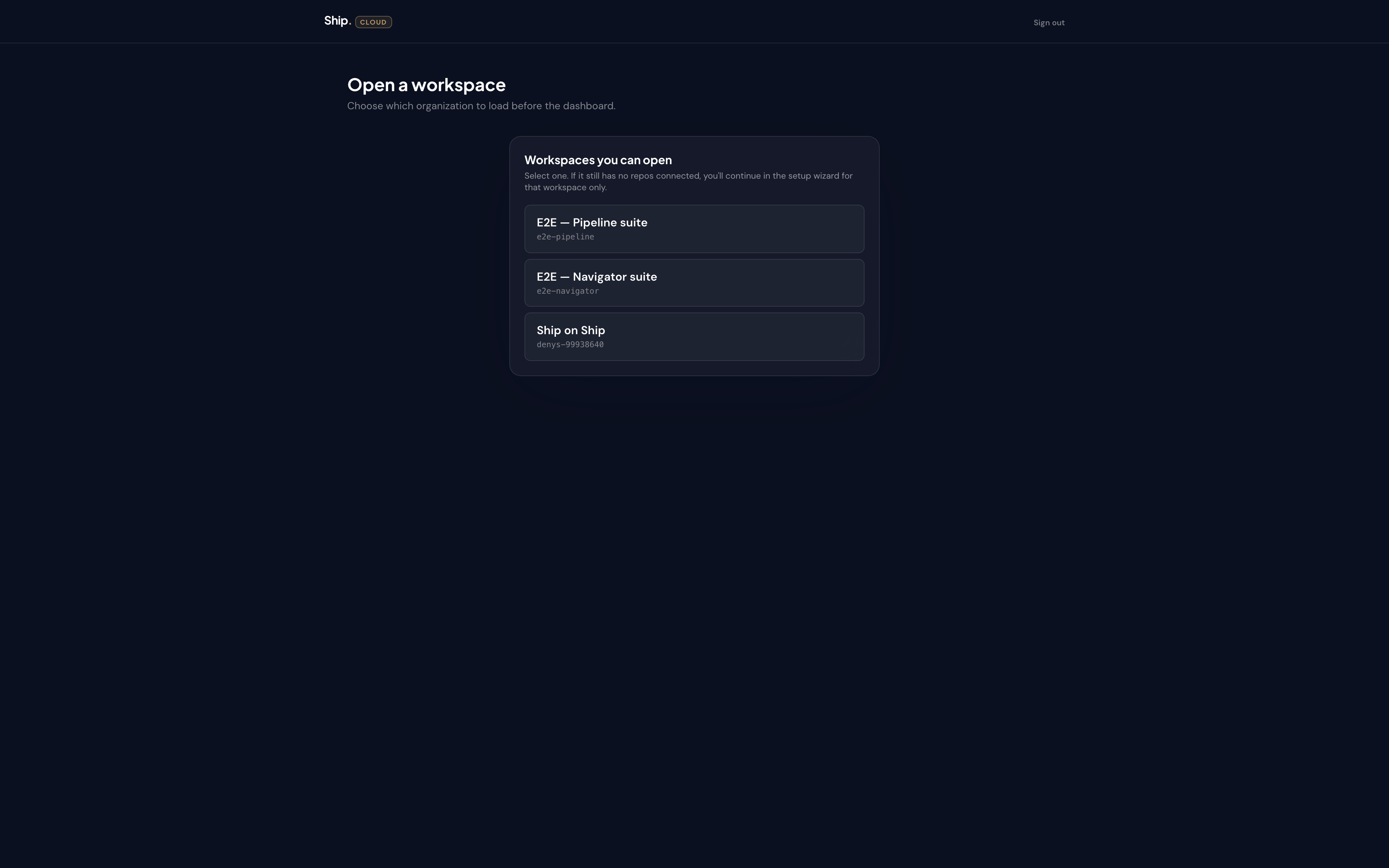
A note on multiple workspaces
If your company runs Ship across two product lines, each line has its own workspace, its own tracker, its own repos, its own knowledge. A person can be a member of both. Switching workspace from the top dropdown changes everything on screen: different home, different approvals, different rules. Nothing leaks between them. That's the contract.
The next page walks you through connecting your first repo.